
Essential Windows Keyboard Shortcuts
These shortcuts are incredibly useful when your mouse is unavailable, or you just want to speed up your workflow!
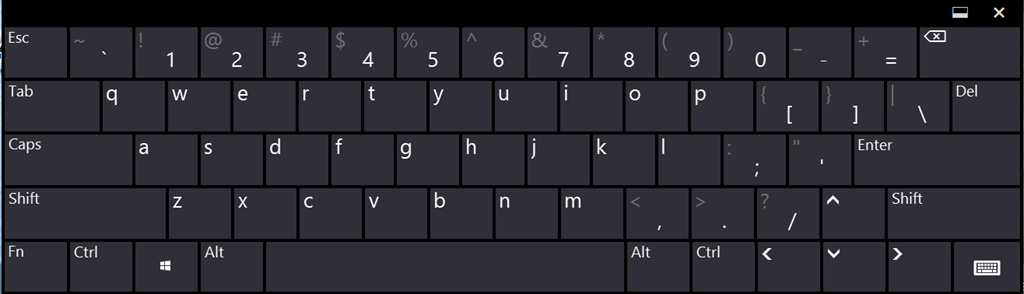
General System & Window Management:
- ALT+TAB - Switch between open programs/windows.
- WIN+TAB - Open the Task View (or Flip 3D in older versions).
- ALT+F4 - Close the current program/window.
- WIN+M - Minimize all windows to the taskbar.
- WIN+SHIFT+M - Restore all minimized windows.
- WIN+L - Lock your computer.
- WIN+PAUSE/BREAK - Open System Properties window.
Emergency & Task Control:
- CNTL+SHIFT+ESC - Open the Task Manager directly.
- CNTL+SHIFT+DEL - Open the System Tasks/Security screen.
Universal Content Commands (Text & Files):
- CNTL+X - Cut (Removes selected item and saves it to the clipboard)
- CNTL+C - Copy (Saves a copy of the selected item to the clipboard)
- CNTL+V - Paste (Inserts the item from the clipboard)
- WIN+V - Open the Clipboard History (Windows 10+).
Screenshots & Menus:
- WIN+PrintScreen - Take a screenshot of the entire desktop.
- WIN+SHIFT+S - Use the Snipping Tool to capture a specific area of the screen.
- ALT - When used in a program, shows the underlined letter.
- ALT+(Underlined Letter) - Run the associated menu command. E.g. ALT+F opens the 'File' menu
- WIN+X - Open the Quick Link/Power User Menu.
